 Skyline 172
A real cockpit.
Your browser.
No download.
A real Cessna 172 cockpit in your browser. Fly airfield to airfield across Europe, North America and Israel. Start the engine from cold, taxi, take off, navigate with VOR and GPS, talk to the tower, and land — graded.
Works in Chrome, Edge, Firefox and Safari — on a laptop, a desktop, or your phone (tilt it like a yoke). Keyboard is enough; a joystick or gamepad is detected automatically. In English, Español, Français, Deutsch, Italiano, Português, Nederlands, Polski and עברית.
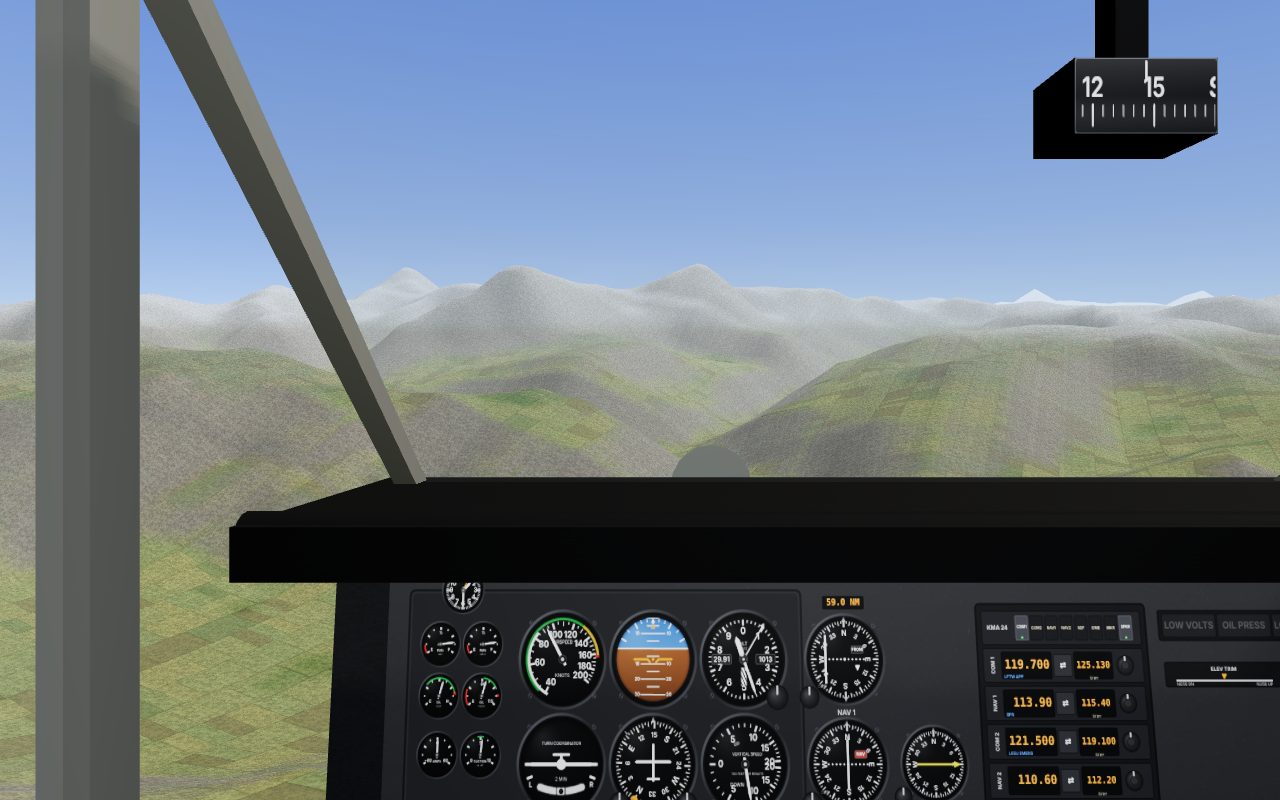
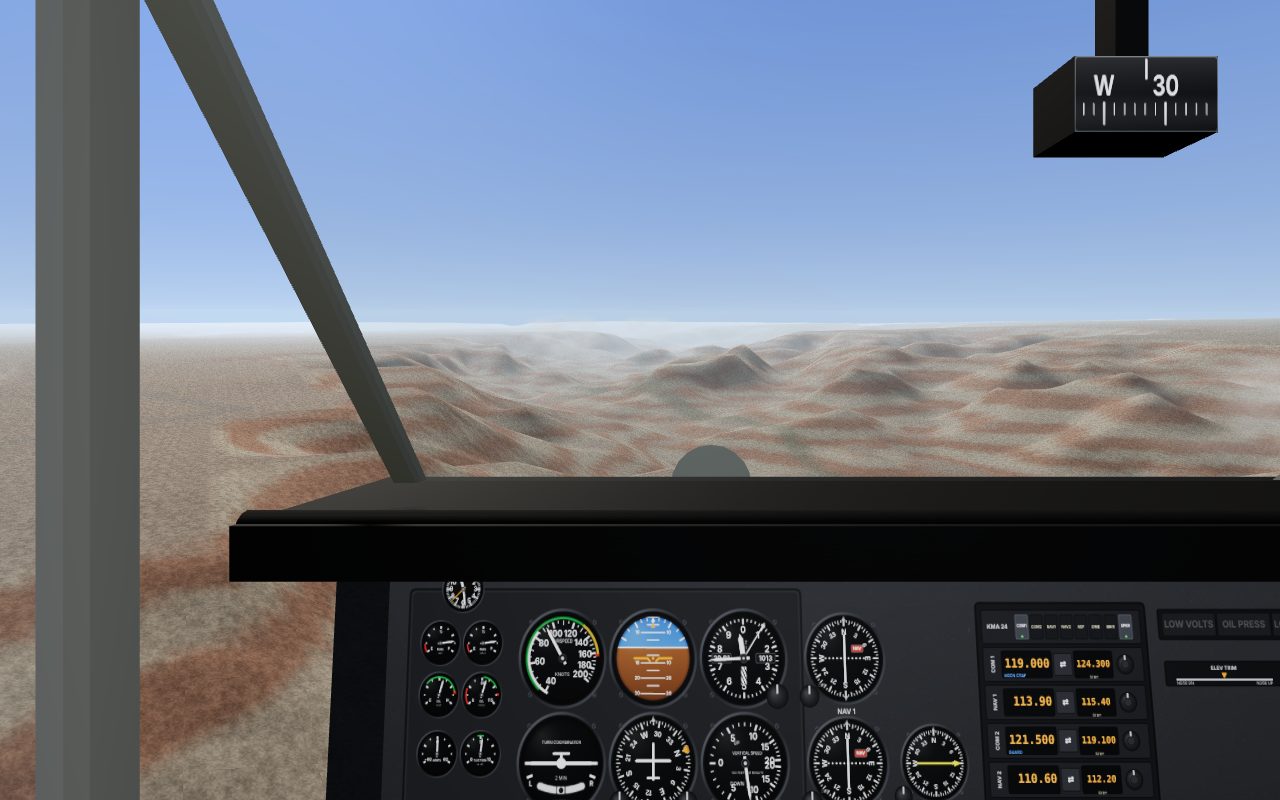
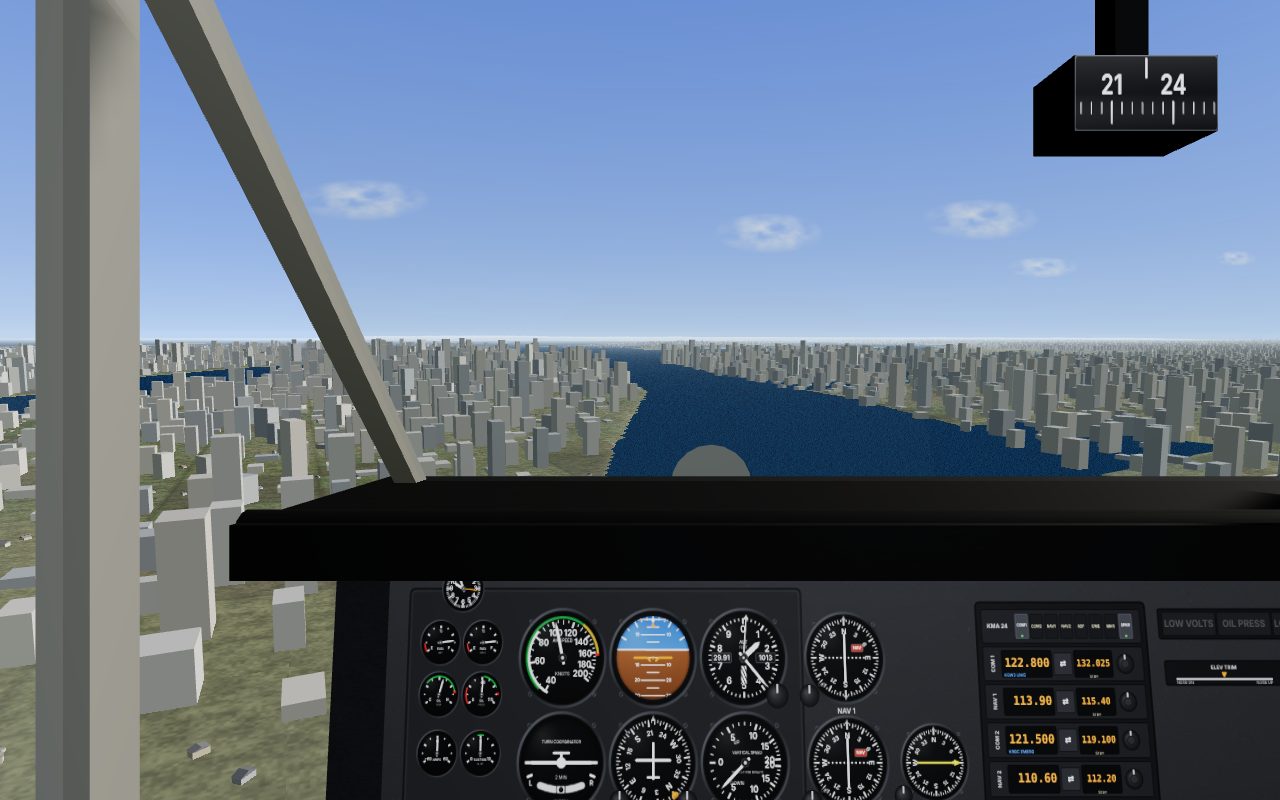
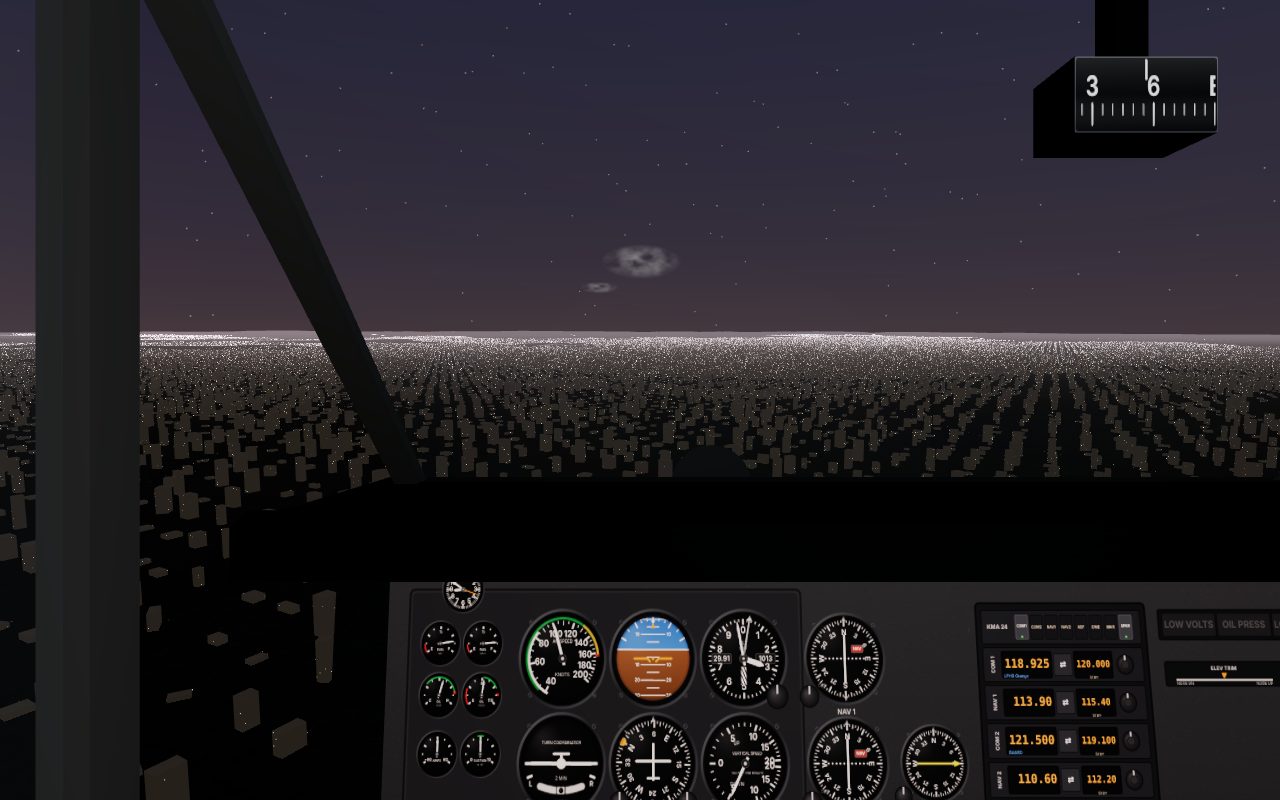
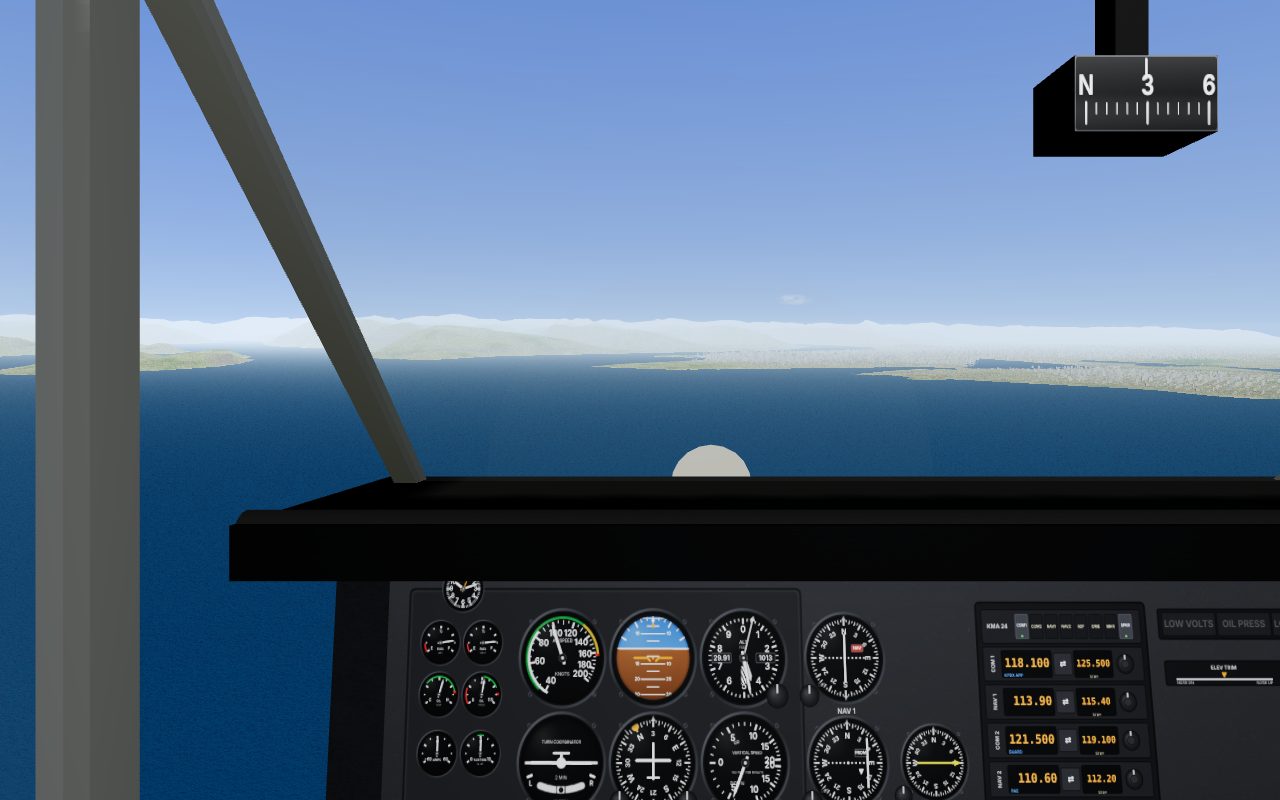
Not a game that looks like a plane — a plane
Real flight physics
Six-degree-of-freedom model with the Cessna 172P's published aerodynamic data: stalls, ground effect, P-factor, crosswinds and turbulence all behave the way pilots expect.
Every switch works
Master, magnetos, primer, mixture, carb heat, fuel selector, flaps, trim, lights, pitot heat, radios, transponder — click or scroll on the panel, or use the keys.
Systems that can fail
Battery and alternator, vacuum gyros that tumble, pitot icing, a rough magneto. Turn on random failures when you're ready to earn your wings.
Europe, North America and Israel
7,300+ airfields — from Reykjavík to Eilat, every public paved field in the US including Alaska and Hawaii, and southern Canada from Vancouver to Halifax — with real runways, frequencies and lighting, 5,700 VOR/DME/NDB navaids, a moving-map GPS and a VFR map. Fly between any two of them; the map loads ahead of you as you go.
Tower on the radio
ATIS, tower and CTAF with a spoken voice. The runway in use follows the wind.
Your logbook
Each landing is graded on sink rate, speed, centreline and touchdown point. Flights and hours are kept in your logbook.
21 missions, 20 badges
A flight school that starts with a two-minute first flight — then the world: across the English Channel, along the Riviera, through the Alps past the Jungfrau, down the Hudson, over the Grand Canyon, between Hawaiian islands, up to Denali and across to Vancouver Island. Three stars each; progress is saved.
Fly it on your phone
Tilt the phone like a yoke, slide the throttle, tap the flaps and brakes. The instructor talks phone, not keyboard. Add it to your home screen and it opens full-screen.
In your language
Menus, instructor and missions in nine languages, chosen automatically. Radio calls, checklists and instruments stay in aviation English — as in a real cockpit.
Two aircraft
The Cessna 172P Skyhawk and the low-wing Piper PA-28 Warrior II, each with its own numbers and feel.
Real weather, real map
Fly in today's actual weather from the nearest METAR station, over real coastlines, lakes, cities and roads — with real terrain heights everywhere — the Alps, the fjords, the Rockies, the Grand Canyon and Denali.
Two ways to fly
Easy — for your first flight
The engine is running and you're lined up on the runway. Only the arrow keys matter.
- Tap ↓ once — the brake releases, full power comes in, the plane lifts off and climbs by itself.
- ↓ raises the nose, ↑ lowers it, ← → turn; it holds whatever you leave it in.
- Throttle, rudder and trim are automatic; you can't stall or over-bank.
- An instructor card tells you what to do next and disappears when you've done it.
Realistic — full procedures
Cold and dark on the ramp. The checklist is on the kneeboard, and the instructor walks you through it the first time.
- Pre-flight, start, run-up, taxi, radio calls, departure.
- VOR and GPS navigation with a wind-corrected flight plan.
- Approach, flare, braking — every landing graded.
- Optional random failures and six weather presets, day and night.
Controls
| Pitch (nose up / down) | ↓ / ↑ |
| Roll | ← → |
| Rudder | Q E |
| Throttle | + / − (or 1 idle, 2 full) |
| Flaps down / up | F / G |
| Brakes · Parking brake | Space · B |
| Trim | [ ] |
| Look around | right-drag · Numpad |
| Cockpit / chase / orbit view | V |
| Kneeboard (checklist, map, plan, radio, log) | K |
| Controls & pause | Tab |
| Push to talk | Enter |
| Easy / realistic mode | Shift+X |
| Click or scroll on any knob or switch | mouse |
| Big moving-map GPS | J |